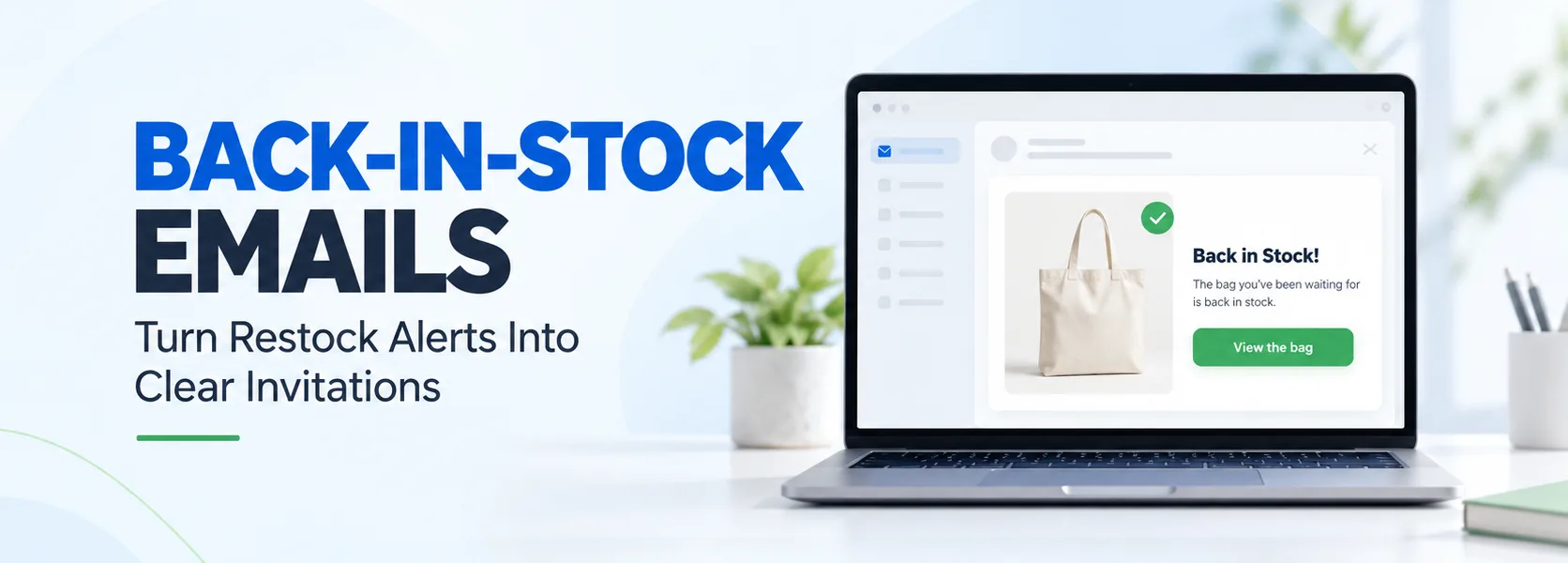
Back-in-stock email copywriting turns a practical inventory update into a clear invitation to return. Someone wanted a product enough to request an alert. Your job is to identify that product, explain what is available, and make the next step easy without inventing pressure.
A restock message does not need a dramatic sales pitch. It needs accurate product information, a useful subject line, and a working link. This guide covers the copy, three illustrative templates, subject line ideas, and checks that help prevent disappointing customers after they click.
What is a back-in-stock email?
A back-in-stock email notifies someone that an unavailable product or variant can be purchased again. A requested alert usually focuses on a specific item. A broader restock announcement goes to an eligible marketing audience and may feature several returning products.
Keep those audiences separate. A shopper waiting for a medium blue shirt should not receive a message suggesting that every size and colour is available when only another variant returned. The copy must reflect the inventory event that actually triggered the notification.
This also differs from browse abandonment. A browser may have shown interest without requesting contact about availability. A waitlist subscriber explicitly asked for a particular update. Match the wording and sending rules to that context rather than recycling another automation unchanged.
Start with reliable product and inventory data
Before writing, confirm the product name, variant, image, destination, and purchasing status. Check whether the item is physically available, open for preorder, or awaiting fulfilment. Those are different promises and should not share the same announcement.
Klaviyo’s documentation describes back-in-stock flows with inventory thresholds and customer notification rules. Depending on configuration, notifications can reach everyone together or go out in batches. Coordinate copy with those settings so an alert does not imply that an item is reserved for every recipient.
A notification is not a reservation unless your store genuinely provides one. If stock can change after sending, make that clear in appropriate language. Avoid precise stock counts in evergreen copy unless the information remains accurate when recipients see it.
A simple back-in-stock email copywriting framework
Use five elements: a direct subject line, complementary preview text, a clear availability statement, one relevant benefit, and one primary call to action. Keep the product name near the beginning so the shopper can recognize what they requested.
The preview text should add useful context rather than repeat the subject line. If the subject says the bag is back, the preview could identify the colour or explain that the product page contains the current delivery estimate.
In the body, connect the product to a genuine use. For example, a bag with separate compartments may help organize daily essentials. Confirm the feature before writing it. Do not turn a routine restock into an unsupported claim that the product will transform someone’s life.
Finish with a specific button such as “View the bag,” “Shop this size,” or “Check availability.” Send readers directly to the relevant product or variant. A homepage link creates unnecessary work when the shopper already knows what they want.
Template 1: the requested restock alert
These templates use fictional brands and original illustrative copy. They are not real client campaigns or evidence of sales results. Replace every placeholder and verify the underlying product details before sending.
Subject: [Product Name] is back in [Colour]
Preview text: The item you requested is available to view again.
Hi [First Name],
You asked us to let you know when [Product Name, Variant] returned. It is available again.
Take another look at the product details, materials, and current delivery estimate. If you have a question before deciding, reply to this email and our team can help.
Availability can change, and this notification does not reserve an item.
CTA: View [Product Name]
Why it works: the copy explains why the customer received the message, identifies the item, and avoids implying that purchase is guaranteed. Use the availability statement only when it matches your store’s actual policy.
Template 2: a benefit-led restock announcement
Subject: Back again: your everyday carry option
Preview text: Explore [Product Name] in the colours currently available.
Hi [First Name],
[Product Name] has returned to [Brand Name]. Its [Verified Feature] helps you [Practical Benefit], whether you are [Relevant Use Case] or [Relevant Use Case].
Visit the product page to compare the available options and check the details before choosing. Have a question about dimensions or care? Our team is happy to help.
CTA: Explore the available options
Why it works: this version gives an eligible marketing audience a reason to care beyond the stock update. It does not pretend every reader joined a waitlist. Avoid claiming the item is a bestseller unless you can substantiate that description.
Template 3: a careful follow-up
Subject: Still considering [Product Name]?
Preview text: Here is where to check the latest availability.
Hi [First Name],
If you are still deciding about [Product Name], you can check current options on the product page.
One detail worth reviewing is [Verified Product Detail]. You will also find [Relevant Buying Information] to help you decide whether it fits your needs.
Already found what you need? No action is necessary.
CTA: Check current availability
Why it works: it offers decision support without recycling an announcement or inventing urgency. Send a follow-up only when appropriate, and check purchasing activity, suppression rules, and current stock before it goes out.
Subject lines that say something useful
Try straightforward options such as “[Product Name] is back,” “Your requested size has returned,” or “Available again: [Product Name].” Use “Your requested size” only when you know the recipient requested that variant.
For a broader announcement, consider “A returning favourite for your daily routine” only when you can justify the description. Otherwise, name the product plainly. Clear language can be compelling without “Hurry,” “Last chance,” or repeated exclamation marks.
Test one subject line approach against another while keeping the audience and offer comparable. Avoid assuming a clever phrase will work better than a direct restock notice. Record the result and the sample size rather than promoting a tiny difference as a proven winner.
Use urgency only when the facts support it
Do not write “Only three left” unless the quantity is accurate and your sending setup handles changing stock. Do not add a countdown unless a real offer ends at the stated time. A restock itself is a useful reason to contact someone; artificial scarcity is unnecessary.
Be equally careful with discounts. A customer who asked for an availability alert may not need a promotion. If you include one, state its actual conditions, eligible products, and expiry. Confirm that the code works for the recipient’s intended purchase.
Check the complete experience before sending
Preview the email with real event data. Confirm that the image, product name, variant, price if included, and button all refer to the same item. Test the mobile layout and missing-name fallback. Keep required sender details and unsubscribe controls accessible.
Coordinate notification volume with available inventory. Review who can receive the message and respect the permissions attached to their request. Do not assume a request for one stock notification automatically permits unrelated promotional campaigns; check your setup and applicable requirements.
Measure clicks, purchases, unsubscribes, and customer questions alongside your platform’s attribution rules. Attributed revenue is not automatically incremental revenue. Investigate broken links or unavailable variants before changing the headline.
Good restock email writing is precise and useful. Tell shoppers what returned, give them the information they need, and make checking availability easy. The strongest conversion opportunity starts with fulfilling the promise that brought them to your waitlist.