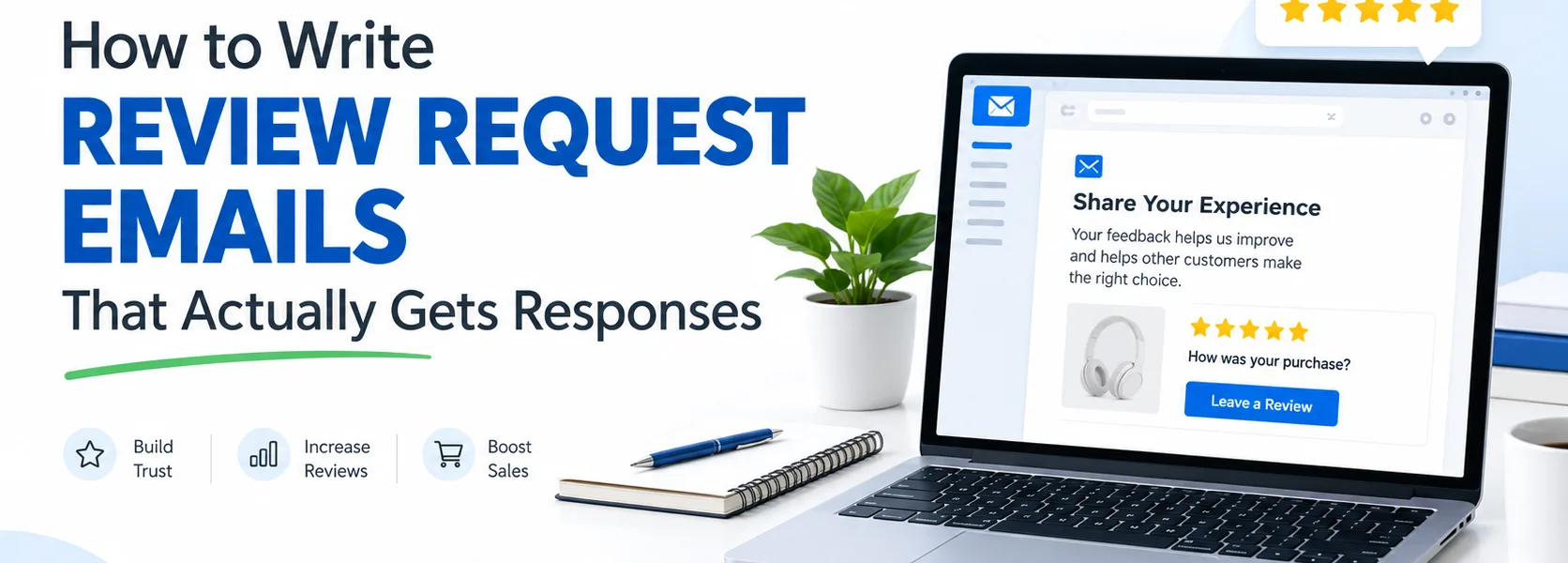
A customer has received an order, but that does not mean they will automatically leave a review. A clear, considerate review request email makes the next step easy, reminds the customer which product they bought, and explains why their honest feedback is useful. The aim is not to pressure people into praise. It is to invite a genuine account of their experience.
For ecommerce store owners and Shopify merchants, good review request email copywriting combines thoughtful timing, a specific subject line, one clear call to action, and a friction-free review link. This guide explains how to build that message, shares practical templates, and covers common mistakes that can undermine trust.
If you are building a complete post-purchase flow, see our guide to ecommerce welcome email sequences and our advice on writing abandoned cart emails for other key moments in the customer journey.
What is a review request email?
A review request email is a post-purchase message inviting a customer to share feedback about a product they bought. It can ask for a star rating, a written review, or a photo where the review platform supports it. Most stores automate these messages using order, fulfilment, or delivery events.
It is different from a general customer satisfaction survey. A review request should make the product and requested action clear, while a survey may ask broader questions about the buying experience. Keep the purpose focused so customers do not have to work out what you want them to do.
When should you send a review request email?
Start with delivery or confirmed fulfilment data, not simply the moment an order is placed. Customers need time to receive and use the item before they can offer useful feedback. The right delay depends on the product: a simple accessory may be easy to assess quickly, while skincare, home equipment, or a product with a learning curve may need longer.
Shopify’s guidance on getting product reviews explains why timing should reflect the product experience. Klaviyo’s review-flow documentation also describes triggering requests when an item is ready to be reviewed. Use your platform’s delivery data and test a sensible delay rather than treating one timing rule as universal.
- Fast-to-use products: consider asking after the customer has had a reasonable chance to try the item.
- Products that need repeated use: allow enough time for the customer to form an informed opinion.
- Delayed or split shipments: avoid sending the request before the relevant product arrives.
Exclude customers who have already reviewed the product, cancelled the order, or are in an unsuitable support situation. If a customer has reported a delivery problem, address that issue appropriately instead of blindly sending an automated request.
Five elements of a review request email that gets responses
1. Write a specific, natural subject line
A subject line that names the product or asks a simple question can feel more relevant than a generic “Please leave us a review.” For example, try “How is your [Product Name] working out?” or “Could you share your thoughts on [Product Name]?” Keep the wording accurate and recognizable to the customer.
Do not promise a tiny time commitment unless the review process really is that quick. Avoid misleading urgency, excessive punctuation, or claims that a customer has been specially selected when they have not.
2. Add preview text that supports the subject
Use preview text to explain the request in plain language. If the subject asks how the product is working out, the preview might say, “Your feedback can help other shoppers choose.” Do not repeat the subject word for word or use the space for an unrelated promotion.
3. Thank the customer and identify the product
Open with a short thank-you and include the actual product name, ideally with an appropriate product image when the email design supports it. Order-based personalization helps customers remember what the message refers to. Always test dynamic fields and provide a fallback if a first name or product attribute is missing.
4. Make one clear request
Ask for an honest review rather than trying to collect a review, sell another product, grow social followers, and promote a sale in the same email. One prominent CTA—such as “Write a review” or “Share your feedback”—helps the reader understand the next step.
5. Link directly to the review form
Do not send the customer to a homepage and make them search for the product again. Use the correct product-specific review link from your review platform, then test it on mobile and desktop. If star-rating buttons or a review form are embedded in the email, check that the experience works across the email clients your customers use.
Three review request email templates you can adapt
The examples below are illustrative templates, not real client campaigns or claims of measured results. Replace every placeholder and check that the message matches your brand, review platform, and applicable rules.
Template 1: Standard post-delivery request
Subject: How is your [Product Name] working out?
Preview: Share an honest review to help other shoppers.
Hi [First Name],
Thanks for choosing [Brand Name]. We hope you have had a chance to try your [Product Name].
Would you share a few thoughts about your experience? Your honest feedback helps us improve and gives other shoppers useful information as they decide what is right for them.
CTA: Write a review
Thanks again,
The [Brand Name] team
Template 2: A specific question to prompt useful feedback
Subject: One quick question about [Product Name]
Preview: What should other shoppers know?
Hi [First Name],
You recently purchased [Product Name], and we would love to hear how it fits into your routine.
What is one thing you found useful, surprising, or worth knowing before buying? Share your honest opinion—positive, negative, or somewhere in between.
CTA: Share your experience
Thank you for helping other customers make an informed choice.
[Brand Name]
Template 3: A polite reminder
Subject: Still have a thought to share about [Product Name]?
Preview: Your feedback is welcome whenever you are ready.
Hi [First Name],
We wanted to send one gentle reminder in case you meant to review your [Product Name] but did not get around to it.
If you have had enough time to try it, we would appreciate your honest feedback. If now is not the right time, no worries.
CTA: Leave a review
Thanks for shopping with [Brand Name].
Send a reminder only when it makes sense for your audience, and stop the follow-up if a review has already been submitted. Avoid repeatedly chasing customers who have chosen not to respond.
How to offer incentives without compromising trust
Some stores offer a small reward for submitting a review. If you do, make the conditions clear and never require a positive rating in exchange for a reward. The invitation should be for an honest review, not a five-star review. Follow the rules that apply in your market and on your review platform, and disclose incentives where required.
In the United States, the Federal Trade Commission’s guidance on its Consumer Reviews and Testimonials Rule is an important reference for businesses. Check the current rules for your jurisdiction before launching an incentivized campaign. If a reward is promised for any qualifying review, deliver it according to the stated terms regardless of whether the feedback is positive or negative.
Common review request email mistakes to avoid
- Asking too soon: the customer may not have received or used the product yet.
- Using generic copy: a vague message makes it harder to remember which purchase you mean.
- Adding competing CTAs: extra promotions and links distract from the review request.
- Asking only for positive reviews: this undermines trust and may violate platform rules or laws.
- Sending after a review is submitted: suppress reviewed products from the reminder flow.
- Failing to test personalization: missing product names or broken review links make automation feel careless.
- Inventing urgency or results: do not claim that the review takes a minute or that customers are waiting to read it unless those statements are supportable.
How to measure and improve the email
Track the stages between sending and review submission. Useful measures include delivery rate, click-through rate on the review link, completed reviews, unsubscribe rate, and complaints. Definitions vary by platform, so compare like with like and use the same attribution window when testing alternatives.
Change one meaningful element at a time—for example, a product-specific subject line versus a generic one, or a direct review CTA versus a longer explanation. Keep the audience and timing comparable. Do not declare a winner from a very small sample or treat correlation as proof that the copy alone caused the change.
Review the quality of feedback as well as the number of submissions. A good request invites detailed, authentic experiences that help future customers understand fit, use, and limitations. It should never coach customers to hide problems or make unsupported product claims.
Final checklist before you publish the flow
- Wait until the customer has a fair opportunity to use the product.
- Identify the exact product and use a natural, clear subject line.
- Keep one main request and one prominent CTA.
- Use a tested, product-specific review link.
- Suppress customers who already submitted a review or should not receive the message.
- Make any incentive terms clear and never condition a reward on a positive rating.
- Check mobile rendering, fallback text, links, and unsubscribe controls.
- Monitor clicks, completed reviews, complaints, and unsubscribes after launch.
Effective review request email copywriting is helpful, specific, and respectful. Ask at a sensible moment, make the action easy, and welcome honest feedback. A simple message that keeps its promise is a stronger foundation for customer trust than pressure or exaggerated claims.